
Tools · News
Krea adds Kling 4.0 to Krea Video, up to 30 seconds
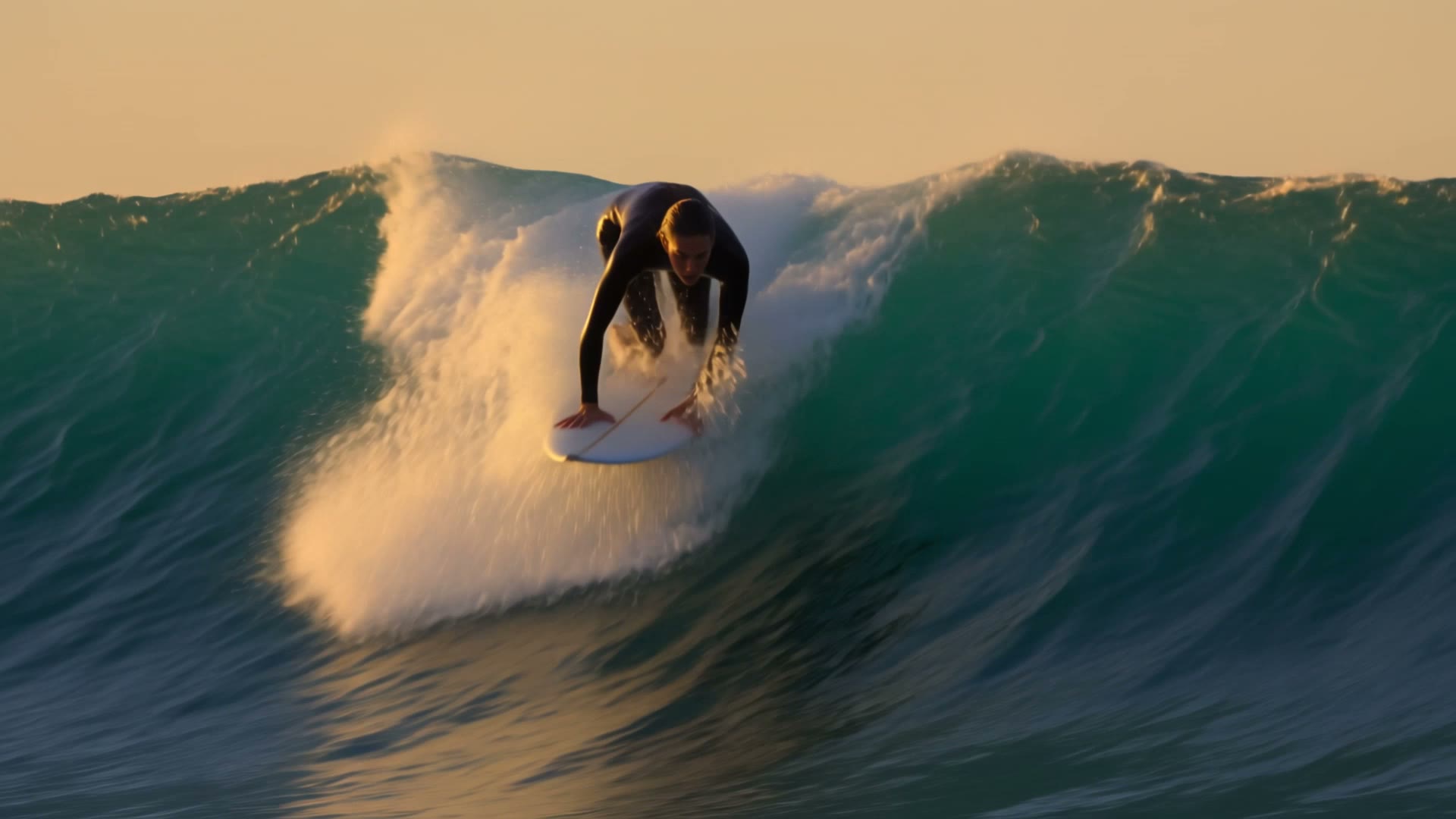
Krea's changelog (26 Oct 2026) adds Kling 4.0 to Krea Video, next to Kling 3.0 and 2.5. On Krea it makes clips between 3 and 30 seconds long at 720p or 1080p, starting from a prompt, a first frame, a first and last frame, or references you tag in the prompt. Krea's FAQ says paid plans carry a commercial licence for generated video.
What changed
Kling 4.0 is now one of the models you can pick in Krea Video. Krea's page says Kuaishou's Kling team released it on 14 Oct. You choose any length from 3 to 30 seconds, a second at a time (5 is the default), at 720p or 1080p in 16:9, 9:16, 1:1 or 21:9. You can work from a prompt alone, one still, a first and last frame, or a set of references. That's a maximum of 9 pictures and 5 clips, the clips adding up to no more than 30 seconds, and you name each one in the prompt (@Image1, @Video1 and so on). An end frame and references can't go in the same generation. Our earlier note said 10 images and that sound came with the picture. Krea's page now says 9, and its FAQ says the longer prompts and stereo audio in Kling's own guide aren't offered in Krea's selector, so we've corrected both.
Who it's for
People who already pay for Krea and want Kling 4.0 without another subscription. Krea's pricing table gives all video models from Pro upwards and only selected video models on Basic, and the page doesn't say which group Kling 4.0 is in, so check before you buy Basic for it. The commercial licence starts at Basic, and the FAQ says it covers generated video on paid plans. The monthly prices didn't show in the copy of the page we read.
What it means for a cut
The 30 second ceiling is the useful change. That's double Kling 3.0's 15, enough for a whole shot with its camera move rather than two stitched together. Krea suggests writing the action in timed beats, 0 to 3 seconds, 3 to 6 and so on, which is close to how you'd board a shot anyway. Start and end frames help when a generated shot has to land on a cut point you've already set. With Kling 3.0 still in the same menu you can run one prompt through both and choose in the timeline. Krea doesn't say what codec or frame rate you get back, so check that before it goes near a conform.
Tags: krea, kling, kling-4, references, host-app, video
Related notes
- Kling: our model notes Model notes
- Krea: our model notes Model notes
Our note credits Krea and links to the original; we do not republish the piece. More from October 2026, or the latest on News.